 OriginalResult
An Empty Room, Furnished
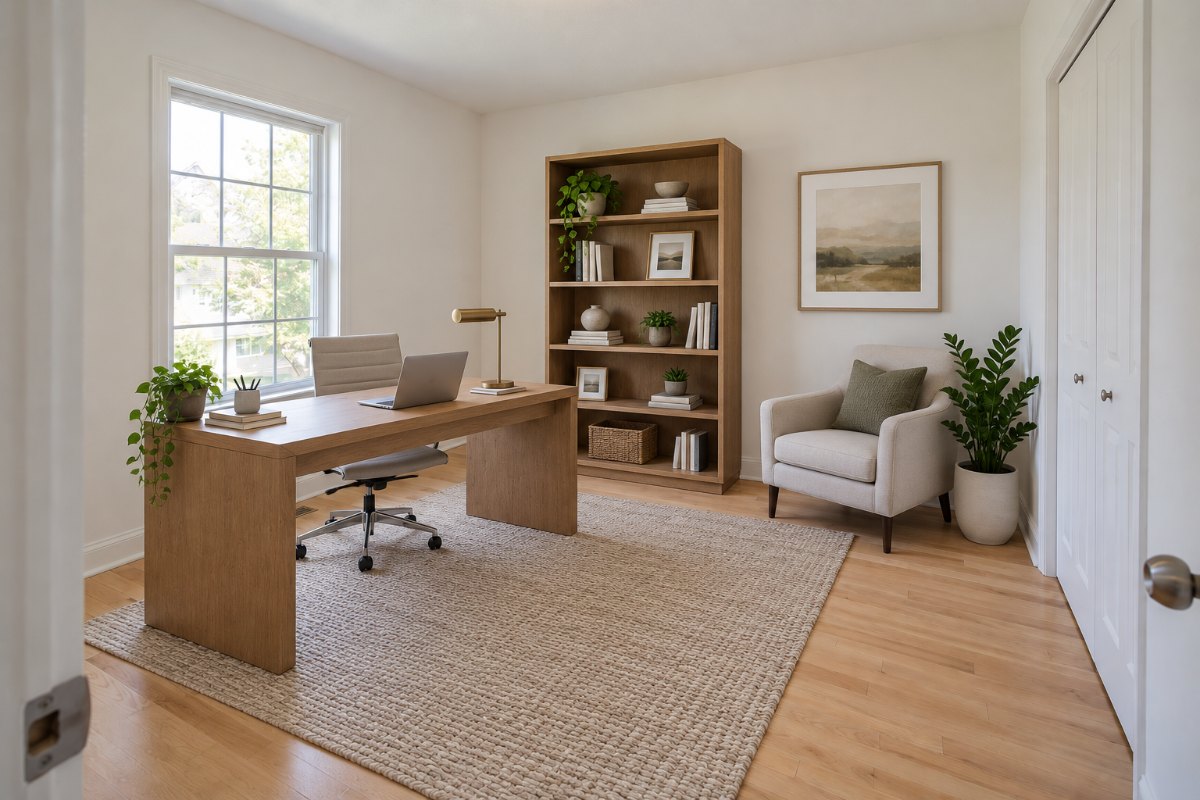
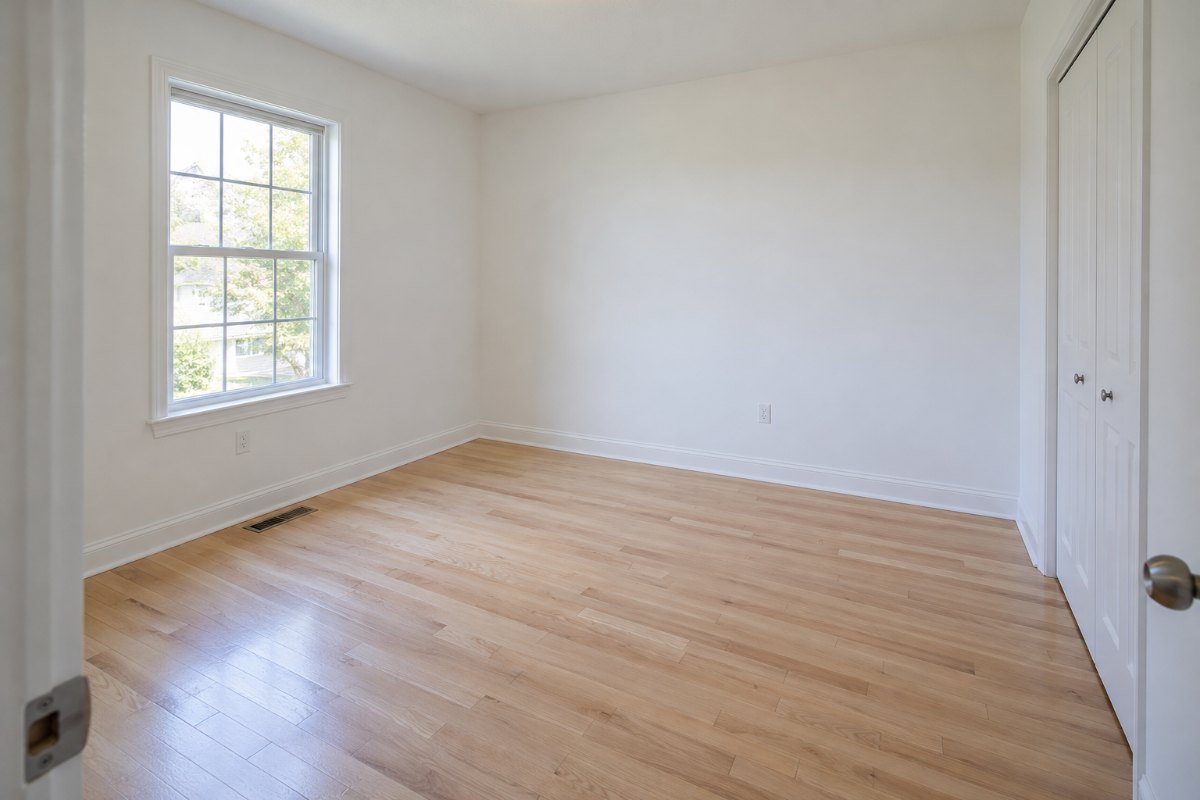
Compare a furnished concept with the empty room. Check that the walls, windows, doors, and floor still match the original photo.
Upload a photo of an empty room and see one way furniture could be arranged in it. RoomGlint adds furniture as a concept image and aims to keep the room itself unchanged. It is not a measured floor plan.
Sign in to get 2 free watermarked images, shared across all tools. Paid results have no watermark. Furnishing one home? Buy a one-time credit pack—no subscription required.
Your description guides the arrangement. Exact furniture positions, sizes, and products are not guaranteed.
Sign in to get 2 free image generations shared across all tools. Free results include a watermark.
OriginalRoomGlint resultOriginalResultCompare a furnished concept with the empty room. Check that the walls, windows, doors, and floor still match the original photo.
Generate again or describe a different placement, such as a bed on another wall, to compare more than one idea for the same room.
Generated furniture is drawn to look right in the picture. It is not sized to your room, so measure before you buy anything.
Use a photo that shows the floor and at least two walls. RoomGlint accepts JPG, PNG, and WebP files up to 10 MB.
Select the room type and a furniture style, then describe where you would like key pieces to go. Generate an image using 1 credit.
Check walls, windows, doors, flooring, and proportions against your photo, and remember that furniture sizes are approximate.
See how a sofa, bed, or dining table could sit in an empty room before you start shopping or moving in.
Show a client or a buyer how an empty room could be furnished. Commercial use is allowed under our Terms, and you are responsible for any required disclosures.
This tool does not remove existing furniture or place specific products from a store. For a room that already has furniture, use AI Room Design.
Get 30 credits for $9.99 or 90 credits for $24.99. Each generated image uses 1 credit. Credit-pack balances expire one year after purchase.
Starter includes 100 credits for $19 per month. Pro includes 250 credits for $39 per month. Monthly credits expire at the end of the billing period and do not roll over.
Credits also work with AI Room Design, Virtual Staging, AI Rendering, and AI Landscape Design.
Compare Plans and Credit PacksUse AI Room Design to explore changes to a room that already has furniture. Use Virtual Staging for the full staging tool and listing guidance. Use AI Rendering to create a concept image from a model screenshot.
Yes. Upload a JPG, PNG, or WebP photo of an empty room, up to 10 MB, and RoomGlint generates a concept image of the same room with furniture.
You can describe the arrangement you want, and the description guides the result. Exact positions are not guaranteed, so you may need to generate more than once.
Not necessarily. Furniture is drawn to look plausible in the image and is not measured against your room. Check real dimensions before buying.
No. RoomGlint generates furniture in the style you choose. It does not place a specific sofa, bed, or product from a photo or a store.
No. This tool is for empty rooms. For a furnished room, AI Room Design can explore a different look, but it is not a furniture-removal tool.
RoomGlint aims to keep the walls, windows, doors, and flooring unchanged, but that is not guaranteed and there is no structural lock. Compare each result with your photo.
You get 2 free watermarked images after signing in, shared across all tools. After that, each image uses 1 credit from a monthly plan or a one-time pack.